
Table of Contents
- Why YouTube Shorts Boost Reach Fast?
- Create Engaging YouTube Shorts Content
- Use High-Ranking Keywords in Shorts
- Post Consistently to Boost Reach
- Follow Trends and Use Popular Sounds
- Optimize Thumbnails and Titles for Shorts
- Add Value Even in 60 Seconds
- Use YouTube Shorts Analytics Wisely
- Promote Shorts Across Platforms
- Stay Updated and Keep Improving
- Conclusion
YouTube Shorts is now one of the fastest ways to boost reach on YouTube. These short-form videos are easy to make, share quickly, and have the power to reach millions. Whether you’re a beginner or already creating long videos, Shorts can help grow your audience and improve your content visibility. It shows you simple ways to use YouTube Shorts to help your channel grow right now.
Why YouTube Shorts Boost Reach Fast?
YouTube Shorts are vertical videos up to 60 seconds long, designed mainly for viewing on mobile devices.. With more people using mobile devices for entertainment, Shorts offer a smart way to connect with a large audience. YouTube pushes Shorts on the homepage, in the Shorts feed, and even in search results. This helps creators gain more visibility and reach a wider audience.
Shorts also bring higher visibility to small channels. Even if you have only a few subscribers, a viral Short can bring thousands of views. That’s why many creators use them to boost reach quickly and stay active on the platform.
Create Engaging YouTube Shorts Content
To boost your reach using YouTube Shorts, your content must be engaging and watchable from start to finish. Short videos need to hook viewers within the first few seconds. If not, people will scroll away. Keep your message clear and simple.

Here’s what works well in Shorts:
- Use bright visuals or bold text
- Add music or trending sounds
- Start with a question or action
- Keep it under 60 seconds
- End with a quick call-to-action (like, comment, or subscribe)
You don’t need expensive gear. Just ensure your video is in vertical format (9:16 aspect ratio) and of high quality.
Use High-Ranking Keywords in Shorts
Keywords help YouTube understand what your Short is about. To increase reach using YouTube Shorts, incorporate high-ranking keywords into your title, description, and hashtags. These keywords must match what people search on YouTube.
For example, if your video is about fitness tips, use phrases like:
- “Quick fitness hacks”
- “Home workout tips”
- “short gym routines”
Add these to:
- Your Short’s title (make it catchy)
- The first line of the description
- At least 2–3 relevant hashtags (like #shorts, #fitness)
Also, say the keyword in your video or add it as text. YouTube’s AI reads the audio and on-screen text, too.
Add Captions and On-Screen Text
Many people watch Shorts without sound. Adding captions and on-screen text helps keep viewers interested even with the volume off. Adding captions makes your Shorts easier for all viewers to understand, including those with hearing difficulties
. Use clear fonts and keep text large enough to read on small screens. Avoid clutter. Highlight only key parts of your message. If you use slang or fast speech, captions help make the message clear to more people.
Post Consistently to Boost Reach
Consistency is key to growing on YouTube. The algorithm rewards creators who post regularly. To boost reach using YouTube Shorts, aim to post at least three to four Shorts per week. Some creators even post daily. When you post often, YouTube has more content to share with viewers. You’re more likely to appear in the Shorts feed as a result. It also gives your audience a reason to return to your channel.
Here’s a quick posting plan:
- Monday: Tip or hack video
- Wednesday: Behind-the-scenes or daily life clip
- Friday: Trend-based or fun content
- Sunday: Quick Q&A or reply to comments
Follow Trends and Use Popular Sounds
Using trends is one of the fastest ways to boost reach with YouTube Shorts. Follow what’s trending in your niche and join early. You can find trends by:
- Watching other Shorts daily
- Using the YouTube “Shorts” tab
- Checking popular hashtags
- Add trending sounds or music to your Short. YouTube makes this easy with built-in music tools. Pick audio from other Shorts and remix or reply to trending content.
Note: Keep your video true to your niche even if you join a trend. That way, new viewers stay interested in your full channel.
Optimize Thumbnails and Titles for Shorts
Even though Shorts are meant for the feed, your title and thumbnail still matter, especially for desktop and mobile homepage views. YouTube uses these to decide who sees your content.
Here’s how to make them work:
- Keep your title short (under 50 characters)
- Use strong action words or questions
- Include the main keyword early
- Avoid clickbait, be clear, not misleading
- For thumbnails: Use a frame from your Short or upload a custom one if needed
These small steps improve your Short’s click-through rate and overall reach.
Add Value Even in 60 Seconds
One reason many Shorts fail is that they don’t offer any value. To boost reach using YouTube Shorts, always offer something useful. That could be:
A quick tip
- A solution to a small problem
- A funny or emotional moment
- A fresh opinion on a hot topic
Even 10–15 seconds can be enough if your message is strong. You don’t always need editing tricks. Sometimes, clear speech and a simple setup deliver better results than flashy effects.
Use YouTube Shorts Analytics Wisely
Once you post a few Shorts, check your analytics. YouTube Studio gives you numbers that help you understand how well your content is doing.
Focus on:
- View count: Shows how many times people watched
- Watch time: See if people watch till the end
- Likes/comments: Measure viewer engagement
- Subscriber gain: See if viewers turned into subscribers
If a Short performs well, make more like it. If it doesn’t do well, try a different style, topic, or approach. Always learn and adjust.
Promote Shorts Across Platforms
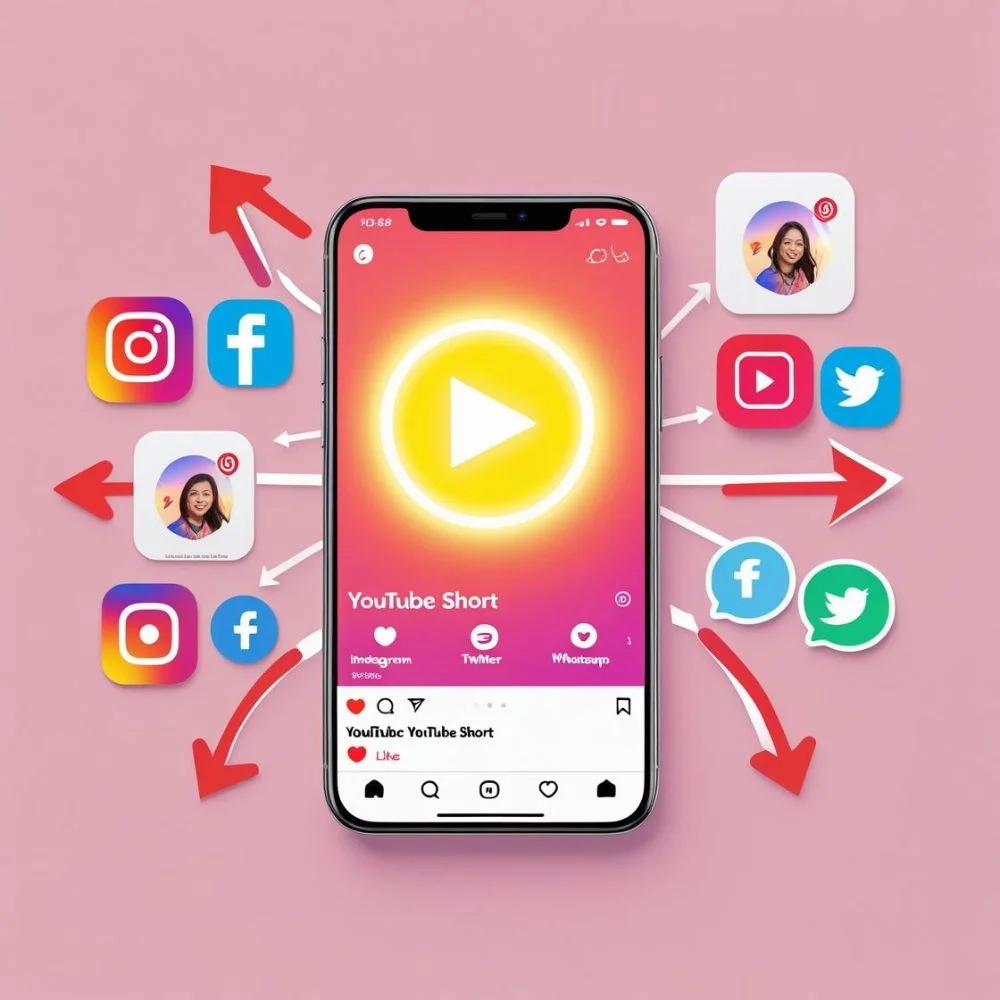
Don’t let your Shorts sit only on YouTube. Share them on your other platforms like Instagram Stories, Facebook Reels, or TikTok. You can also embed Shorts in blog posts or share links on Twitter or WhatsApp.
Cross-promotion helps get more views and brings in new audiences. If a viewer likes your Short on another platform, they may check your YouTube channel and subscribe.
Simple steps to share:
- Copy your Short link after posting
- Add a short caption with the link
- Post it in relevant groups, pages, or with friends
Stay Updated and Keep Improving
YouTube changes its features often. Stay updated with the latest Shorts tools and changes. For example, YouTube may offer new editing options, monetization tools, or better analytics. These can help boost your reach further.
Always test new things:
- Try different video lengths (15s, 30s, 60s)
- Test vertical vs square formats
- Add reactions to trending Shorts
- Ask your audience what they want next
By improving with each video, you’ll stay ahead of other creators and make better content.
Conclusion
To boost reach using YouTube Shorts, you need the right mix of strategy, creativity, and consistency. Shorts are not just for fun; they are a serious tool for growing your YouTube presence. When you post high-quality, keyword-rich, and valuable Shorts, YouTube rewards your channel with more visibility. Follow trends, use high-ranking keywords, engage your viewers quickly, and post regularly. Track your analytics and keep improving. With time and practice, your Shorts can reach more people and build a strong subscriber base.