
Table of Contents
- What Is a Meta Gift Card?
- How to Redeem a Meta Gift Card?
- Use Meta Gift Card for Facebook Ads
- Buy Games and In-App Purchases
- Purchase Digital Subscriptions
- Use It for Meta Quest Content
- Send Gifts to Friends and Family
- Track and Manage Your Gift Card Balance
- Common Issues and How to Fix Them
- Know the Terms and Expiry Policy
- Benefits of Using a Meta Gift Card
- Tips to Get the Most Out of It
- Stay Safe While Using Digital Gift Cards
- Conclusion
Meta gift cards are a great way to buy digital content and services across the Meta ecosystem. If you’ve received or purchased one, you might be wondering how exactly you can use it. Whether it’s for ads, games, or subscriptions. This makes your digital spending easier and more enjoyable, whether you’re a business owner, creator, or casual user.
What Is a Meta Gift Card?
A Meta Gift Card is a prepaid digital card that you can redeem on platforms owned by Meta, such as:
- Messenger
- Meta Quest (VR content)
It works just like any other gift card. You redeem the code to load its value into your Meta account. Once added, you can use the balance for selected digital purchases.
You don’t need a credit card or bank account to use it. This makes it great for teenagers, first-time digital buyers, and people looking for safe payment methods online.
How to Redeem a Meta Gift Card?
Using your Meta Gift Card is simple and quick. Here’s how to do it step by step.
Step-by-Step Redemption Process
- Go to https://www.facebook.com/giftcards/redeem
- Log in to your Facebook account
- Enter your unique gift card code
- Click “Redeem,” and the balance will be added
Once redeemed, the amount is stored under your “Meta Balance” and can be used across supported platforms.
You can also redeem Meta Gift Cards through the Meta Quest Store, especially if you’re using a VR headset. This is useful for gamers or developers who buy VR content frequently.
Use Meta Gift Card for Facebook Ads
Advertise with Meta Balance
If you run a business or manage a page, the Meta Gift Card can fund your Facebook ad campaigns. This is one of its most popular uses.
You can pay for:
- Boosted posts
- Brand awareness campaigns
- Product ads
- Video and carousel ads
Even if you’re new to Facebook Ads, using a gift card allows you to test campaigns with a set budget. You don’t have to worry about overspending or billing issues. It’s perfect for beginners who want to learn how digital marketing works.
Using Meta balance also helps you track your return on ad spend without needing multiple payment sources.
Buy Games and In-App Purchases
The Meta Gift Card is also useful for casual gaming. Many games on Facebook and Meta Quest offer in-app purchases. You can use your balance to:
- Buy coins, tokens, or credits
- Unlock new levels or characters
- Access game bundles or upgrades
If you or your child enjoys social games, you can set a fixed monthly budget using a gift card. This helps manage in-game spending in a safe, controlled way without linking your debit or credit card.
The card can be especially useful during game promotions, allowing you to get more content at discounted rates.
 Purchase Digital Subscriptions
If you follow your favorite creators or use professional tools on Meta platforms, you may subscribe to their services.
A Meta Gift Card can help you pay for:
- Creator subscriptions
- Premium group memberships
- Exclusive content on Facebook or Instagram
This also gives creators a more predictable income and helps platforms promote valuable, user-generated content.
Some creators offer tier-based subscriptions, and your gift card balance can be used to unlock higher-tier benefits like one-on-one chats, shoutouts, or VIP content.
Use It for Meta Quest Content
If you have a Meta Quest VR headset, your gift card can be used in the Meta Quest Store.
Buy VR Content Like:
VR games (like Beat Saber, Resident Evil 4 VR)
- Fitness apps
- Social experiences
- VR movies and shows
The Meta Gift Card gives you direct access to VR content without needing another payment method. Many parents also find it helpful when setting up VR experiences for their kids or teens, as it helps control what’s being purchased.
In addition to games, you can access educational and wellness apps, like meditation guides or VR classrooms, all paid for using your gift card.
Send Gifts to Friends and Family
Did you know you can use your Meta Gift Card to send digital gifts on Facebook?
These include:
- Stickers or effects in Messenger
- Birthday or celebration tokens
- Paid game features sent as gifts
This is a great option during birthdays, holidays, or special milestones. Even if you live far away from loved ones, you can send meaningful gestures instantly.
It’s also becoming popular for friends to send Meta game tokens to one another as small virtual rewards or social gestures.
Track and Manage Your Gift Card Balance
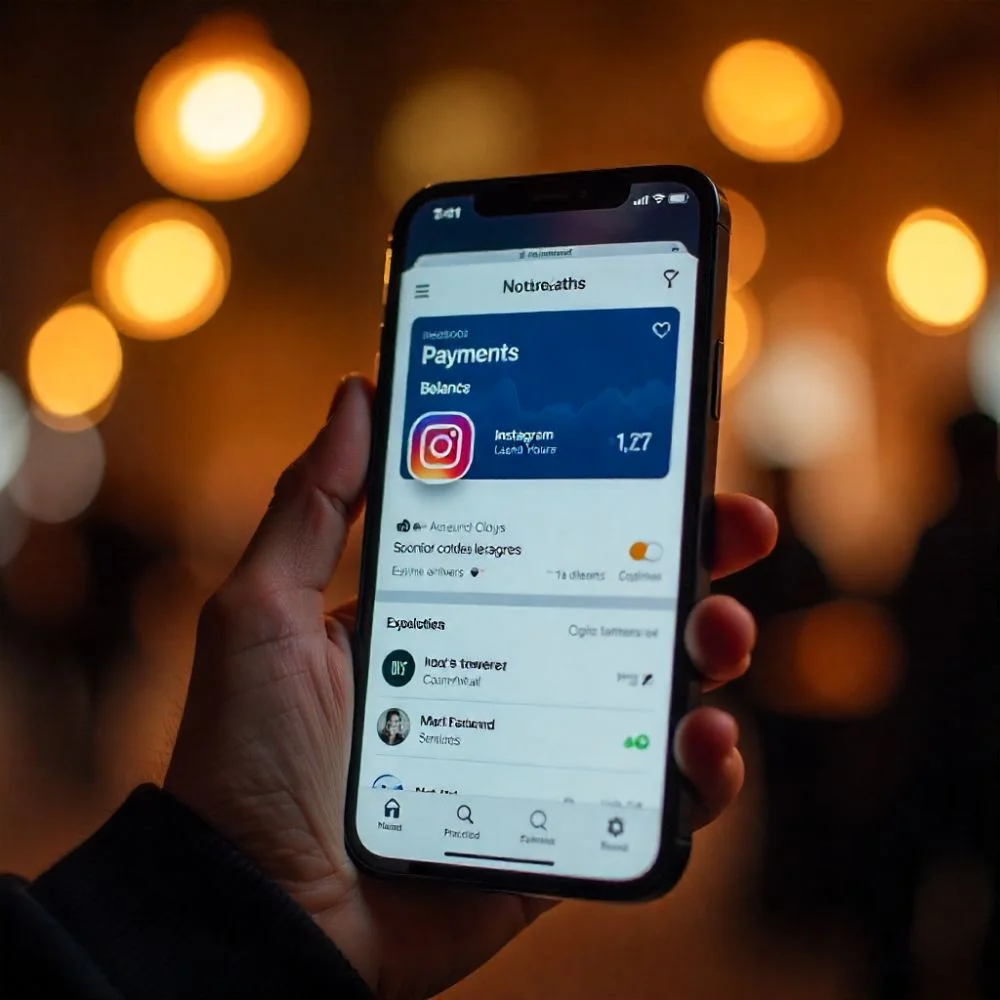
Once your gift card is redeemed, you can check your balance anytime.
Where to See Balance:
- Go to Facebook settings
- Click “Payments” then “Account Settings”
- View your current Meta balance
You can also track what the balance was used for and get a record of previous purchases. This transparency is useful for parents monitoring their child’s digital spending or businesses managing ad budgets.
Checking your balance regularly helps avoid confusion and lets you top up before an important purchase or campaign.
 Common Issues and How to Fix Them
Sometimes, things don’t go as planned when using your Meta Gift Card. Here are common problems and how to solve them:
Gift Card Code Doesn’t Work
- Double-check for typos
- Make sure the card hasn’t already been redeemed
- Ensure the card is for your region
Can’t Use Balance for Ads
- Make sure you select the Meta balance during ad payment setup
- Some ad accounts require a primary payment method
- Confirm that your ad account is in good standing
Meta also advises clearing the cache or switching devices if your balance isn’t showing after redemption.
Know the Terms and Expiry Policy
Before using your gift card, it’s smart to read the rules.
Important Rules to Know:
- Meta Gift Cards do not expire
- They can’t be converted into cash
- They are non-refundable
- Once redeemed, the balance is tied to your Meta account
Never try to sell or trade the code on third-party sites. Meta cards are meant for personal use or gifting, and trading them may result in scams or account bans.
Always use trusted sources to buy gift cards to avoid scams or invalid codes.
Benefits of Using a Meta Gift Card
There are many perks of using a Meta Gift Card over traditional payment methods.
Why Users Prefer Gift Cards:
- No need to share bank details online
- Easy for teens or new users to manage digital spending
- Works across multiple Meta platforms
- Can be gifted on holidays or birthdays
Another benefit is budgeting. Instead of using credit or debit cards with variable spending, gift cards help stick to a fixed budget and avoid impulse buys.
For parents, it’s a great way to teach kids digital responsibility.
Tips to Get the Most Out of It
Make your gift card go further with smart usage tips.
Practical Tips:
- Use it during ad promotions to stretch value
- Combine with other payments if your balance is low
- Track past purchases to see what you enjoyed the most
- Watch for Meta sales or special content bundles
You can also set up alerts on your Meta account to notify you when your balance is used. This way, you stay informed and avoid unexpected deductions.
Look for special holiday discounts, such as Black Friday or seasonal bundles on Meta Quest, where gift card value gets even better returns.
Stay Safe While Using Digital Gift Cards
Digital security is important. Avoid scams or fraud by using safe practices.
Safety Measures:
- Only buy from official stores or trusted retailers
- Don’t share your card code online
- Avoid offers that seem “too good to be true.”
- Always redeem through the official Meta platform
If you suspect fraud or an error, report it immediately to Meta’s support center. The sooner you act, the better your chances of recovering lost value or preventing misuse.
Conclusion
The Meta Gift Card is more than just a digital voucher. It opens the door to ads, games, VR experiences, and much more across the Meta universe. From growing your business on Facebook to playing VR games with Meta Quest, it gives you freedom, flexibility, and control over your digital spending. By knowing how and where to use it, you make every cent count. Whether you’re a gamer, content creator, ad buyer, or casual user, your Meta Gift Card is ready to serve your digital world.