
Table of Contents
- What Are Minecraft Game Rules?
- How to Use Minecraft Game Rules?
- Commonly Used Minecraft Game Rules
- Minecraft Game Rule Commands With Examples
- Impact of Minecraft Game Rules on Gameplay
- Best Game Rules for Survival Mode
- Best Game Rules for Creative Mode
- Minecraft Game Rules for Servers
- Game Rules for Custom Maps and Challenges
- Technical Game Rules Added in Recent Updates
- Command Blocks and Minecraft Game Rules
- Advanced Tips for Using Minecraft Game Rules
- FAQs
- 1. What are Minecraft game rules used for?
- 2. How do I turn on or off a game rule in Minecraft?
- 3. Do game rules work in both Creative and Survival modes?
- 4. Can I use game rules in Minecraft without cheats enabled?
- 5. Do Minecraft game rules affect multiplayer servers?
- 6. What’s the difference between gamerules and mods?
- Final Thoughts
Minecraft is not just about building, crafting, and surviving. There’s a deeper layer hidden behind commands that gives you full control over the game’s behavior. These are called Minecraft game rules, and they are key to changing how the game world works without needing mods or add-ons. You’ll understand how to use these game rules effectively, learn key commands, and explore real-world examples from survival to creative play.
What Are Minecraft Game Rules?
Minecraft game rules are settings that control specific features and actions in the game world. They let players adjust the behavior of mobs, weather, damage, drops, and more using commands. These rules are most useful in custom maps, multiplayer servers, and solo creative builds.
The main idea behind game rules is control. Whether you want to stop fire from spreading, disable fall damage, or keep your inventory after death, there’s a command line for it. These small changes make a huge difference in gameplay. Even a simple adjustment like turning off mob griefing can turn a chaotic survival world into a peaceful, build-focused one.
Game rules are also great for roleplay or themed maps. If you’re creating a sci-fi base or a medieval city, you can stop vines from growing, freeze the weather, or control mob aggression to maintain your theme.
How to Use Minecraft Game Rules?
To use Minecraft game rules, open your chat window and enter the command format:
- php-template
Copy
Edit
/gamerule
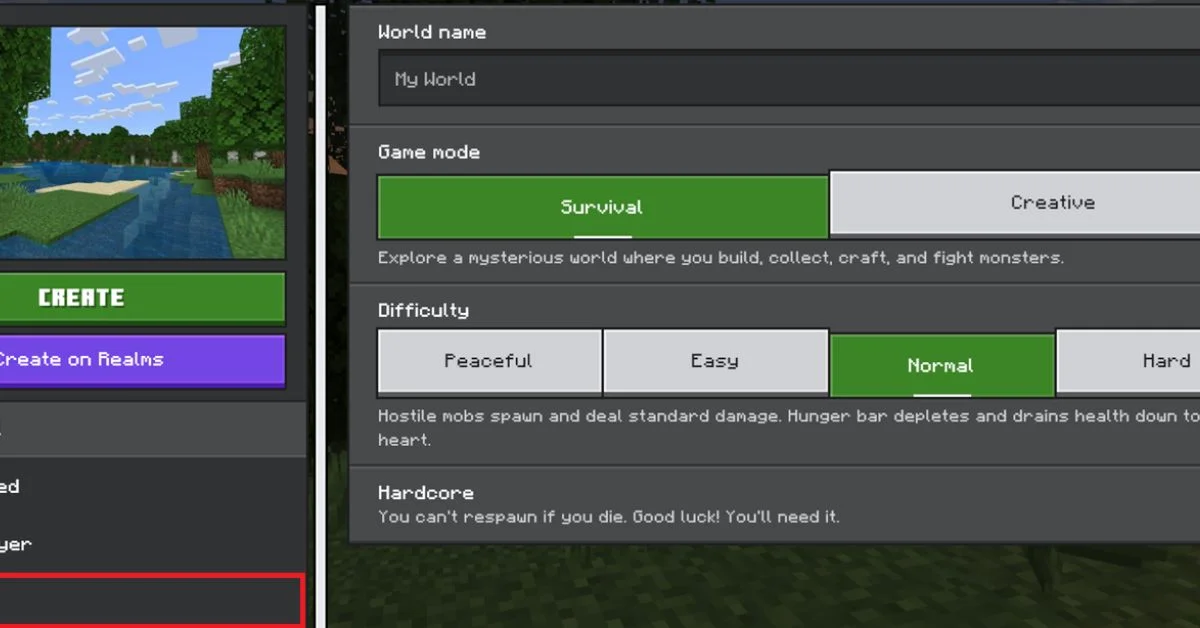
You must have cheats enabled or be in Creative mode with operator permissions. For example:
- bash
Copy
Edit
/gamerule keepInventory true
This command stops you from losing your items after you die. You can also check the current value of a rule like this:
- bash
Copy
Edit
/gamerule
If you’re using command blocks or a server, these rules can be set in the server.properties file or in command sequences that activate on world load.
Commonly Used Minecraft Game Rules
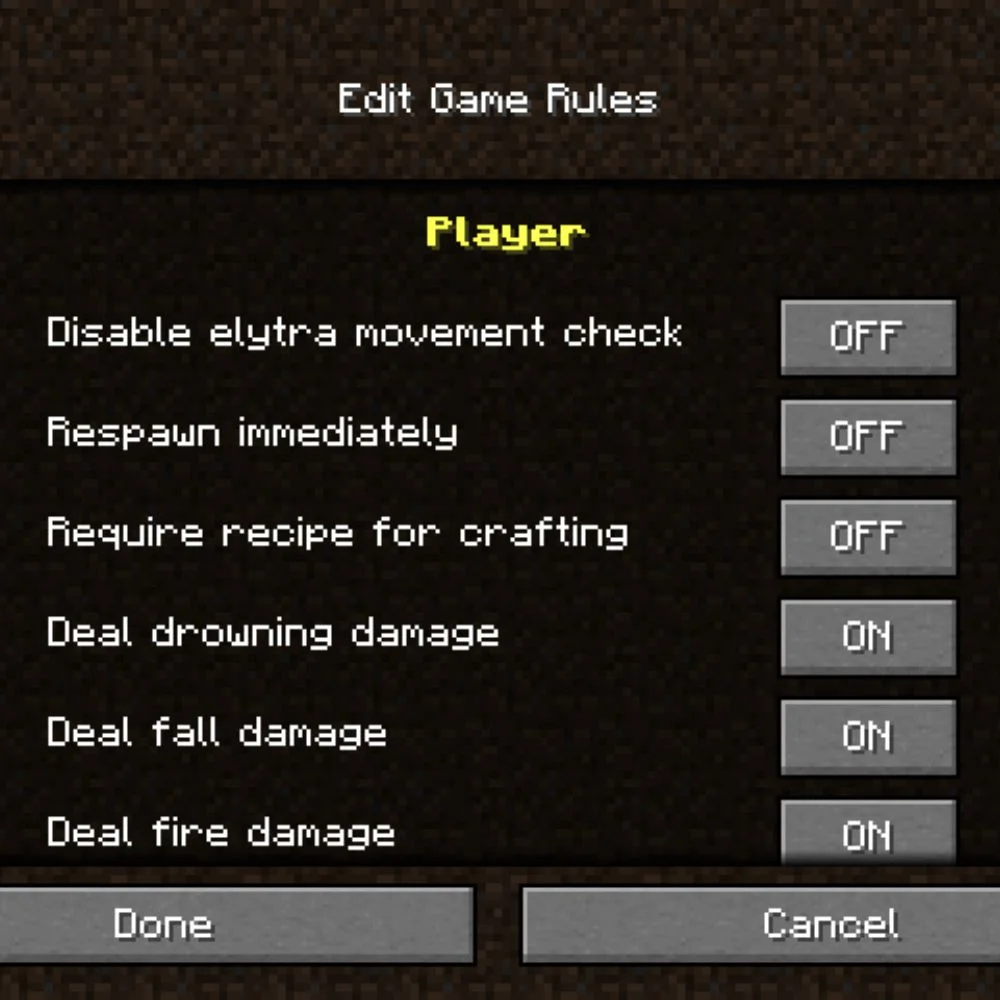 Here are some of the most popular Minecraft game rules that players use:
- KeepInventory: Prevents dropping items after death
- DaylightCycle: Controls the time of day
- doMobSpawning: Allows or blocks mob spawning
- doFireTick: Enables or disables fire spread
- doWeatherCycle: Controls whether weather changes
- mobGriefing: Stops mobs from changing blocks
- showDeathMessages: Shows or hides death messages
- naturalRegeneration: Turns health regeneration on/off
- commandBlockOutput: Hides command output in chat
Each rule can be set to either true or false. This opens many ways to play differently and creatively.
Minecraft Game Rule Commands With Examples
Keep Your Items After Death
- bash
Copy
Edit
/gamerule keepInventory true
You die, but your items stay in your inventory. Great for hardcore practice, peaceful exploration, or younger players who are still learning.
Stop Mobs From Spawning
- bash
Copy
Edit
/gamerule doMobSpawning false
No more random zombies or creepers at night. Best for peaceful building or safe, family-friendly gameplay.
Freeze the Time of Day
- bash
Copy
Edit
/gamerule doDaylightCycle false
Lock the time to always daytime (or night) by combining it with:
- sql
Copy
Edit
/time set day
Disable Fire Spread
bash
Copy
Edit
/gamerule doFireTick false
Fire won’t spread to nearby blocks. This is essential for wooden structures or maps that use fire decorations safely.
Disable Weather Changes
- bash
Copy
Edit
/gamerule doWeatherCycle false
Rain or snow won’t appear anymore. Combine with:
- arduino
Copy
Edit
/weather clear
…to make your builds always bright and visible.
Impact of Minecraft Game Rules on Gameplay
Minecraft game rules allow a whole new kind of creativity and control.
For example:
- Builders can freeze time and weather for better screenshots.
- Adventure map makers can make mobs more or less dangerous.
- Parents can turn off hostile mob spawning for younger kids.
- Streamers can stop fire and TNT damage during live builds.
- Educators can disable hunger, fire, and mob damage for classroom use.
These rules give you more than just a safety net—they help you shape the entire world’s logic and match it to your goals.
Best Game Rules for Survival Mode
If you play in survival mode, you can use game rules to make your world easier or harder depending on your mood.
Easy Mode Setup:
- keepInventory true: No fear of death
- mobGriefing false: No more creeper explosions
- doFireTick false: Safe from fire spreading
- doWeatherCycle false: Always sunny days
- fallDamage false: Safe jumps off mountains
- naturalRegeneration true: Health recovers over time
Hardcore Challenge Setup:
- naturalRegeneration false: You need potions or golden apples
- doMobSpawning true: More mob danger
- mobGriefing true: Mobs can ruin your builds
- doFireTick true: Fires are risky
- fireDamage true: Burning hurts!
- universalAnger true: All mobs attack when one is hurt
These settings let you craft your difficulty level and survival style.
Best Game Rules for Creative Mode
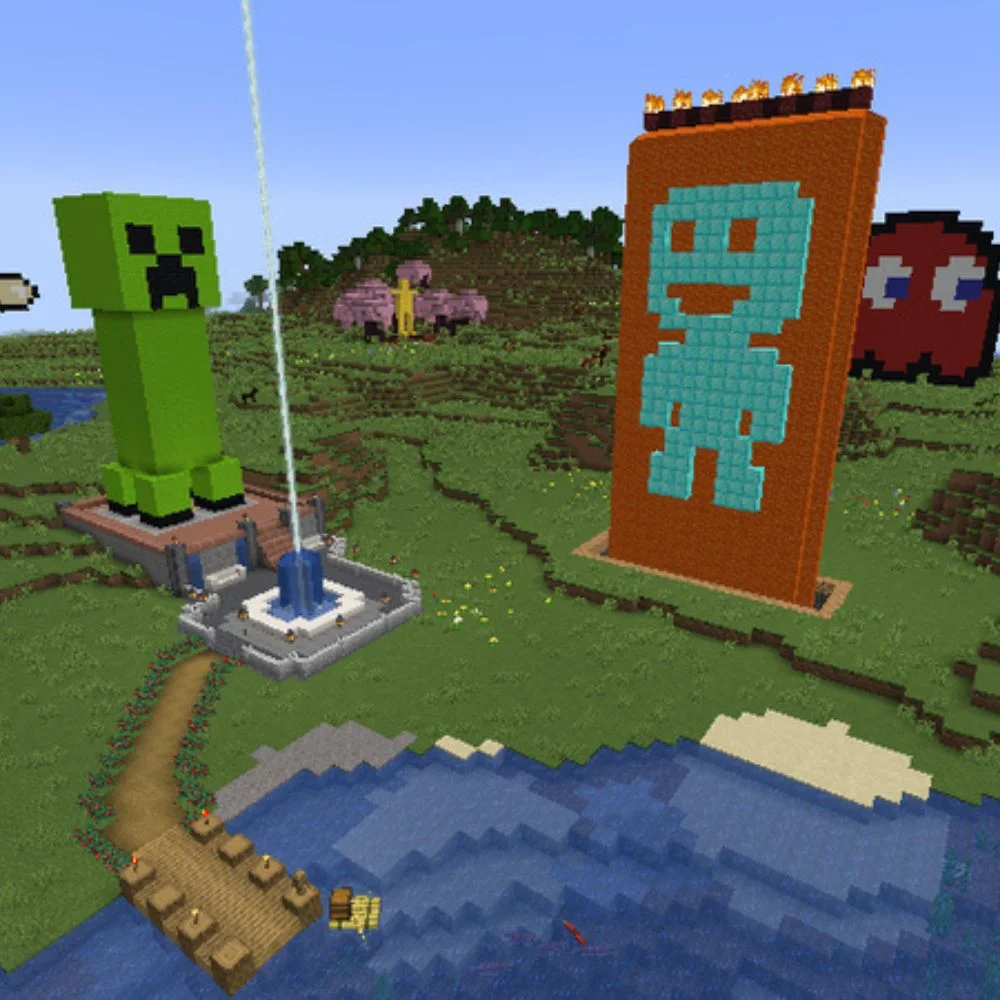 Creative mode allows for full imagination, and Minecraft game rules make it even better. Builders and redstone experts often use these:
- doDaylightCycle false – Lock time for consistent lighting
- doWeatherCycle false – Keep rain and snow away
- commandBlockOutput false – Clean up your chat window
- showDeathMessages false – No clutter when testing mob mechanics
- doMobSpawning false – Keeps workspaces clean
- mobGriefing false – Prevents test mobs from causing damage
Perfect for YouTubers, map creators, or players building huge cities or redstone machines.
Minecraft Game Rules for Servers
Server owners use Minecraft game rules to manage behavior across the entire world. Whether it’s a mini-game or a survival server, these rules help maintain order and balance.
Examples:
- spawnRadius 0: All players spawn at the same block
- Insomnia false: Stops phantom attacks at night
- announceAdvancements false: Keeps chat clean
- universalAnger true: Makes mobs aggressive to all players
- playersSleepingPercentage 50: Only half the players need to sleep
These are especially useful for public servers or realms with large player groups.
Game Rules for Custom Maps and Challenges
If you’re designing a map or a unique game inside Minecraft, you’ll love these controls. You can set up a puzzle, race, or adventure with fixed weather, no mobs, or no health regeneration.
Some ideas:
- Adventure maps: keepInventory, mobGriefing, and naturalRegeneration
- Puzzle maps: doDaylightCycle, doWeatherCycle, and commandBlockOutput
- Mini-games: spawnRadius, showDeathMessages, and announceAdvancements
- Race maps: fallDamage false, fireDamage false, and freezeDamage false
Minecraft game rules make your maps feel more professional and polished, giving players a consistent and well-controlled experience.
Technical Game Rules Added in Recent Updates
 With every update, new rules are added to give players more control. In the recent versions (including 1.20 and 1.21), these were included:
- playersSleepingPercentage – Control how many players need to sleep
- fallDamage – Turn fall damage off completely
- fireDamage – Disable fire damage from lava or mobs
- freezeDamage – Stops powder snow from harming you
- DoVinesSpread – Stops vines from growing everywhere
- doWardenSpawning – Controls the appearance of Wardens in ancient cities
These new rules are perfect for better building, survival challenges, and map design in 2025.
Command Blocks and Minecraft Game Rules
If you use command blocks in maps or minigames, combining them with game rules creates smooth gameplay. You can program command blocks to:
- Automatically set the time of day
- Reset player status on death
- Control the weather between events
- Disable mobs before the game starts
- Create scoreboards tied to rule changes
- Switch between peaceful and dangerous phases
By placing command blocks at key locations, game rules can work behind the scenes to deliver an amazing experience.
Advanced Tips for Using Minecraft Game Rules
Here are some advanced tips that experienced players use:
- Combine /gamerule with /scoreboard for smart challenges
- Use /gamerule in data packs for automatic world settings
- Set up gamerules with repeating command blocks for timed effects
- Create peaceful survival worlds with mobs disabled, but natural hunger and weather on
- Use JSON files for pre-configured game rule sets for speedruns or events
You don’t need to install mods when Minecraft’s built-in command system offers full control.
FAQs
1. What are Minecraft game rules used for?
Minecraft game rules control how the game works without using mods. You can change things like mob spawning, fire spread, weather, time, and player behavior using simple commands.
2. How do I turn on or off a game rule in Minecraft?
Open the chat and type the command:
/gamerule
For example, to keep your inventory after dying, use:
/gamerule keepInventory true
3. Do game rules work in both Creative and Survival modes?
Yes, game rules work in all modes. They’re especially helpful in Survival mode for adjusting difficulty, and in Creative mode for building without interruptions.
4. Can I use game rules in Minecraft without cheats enabled?
No. You need to have cheats enabled in your world or have operator permissions on a server to use game rule commands.
5. Do Minecraft game rules affect multiplayer servers?
Yes. Game rules can be set on servers to control gameplay for everyone. Server owners often use them to manage player behavior, set challenges, or balance mini-games.
6. What’s the difference between gamerules and mods?
Game rules are built into Minecraft and don’t need any downloads. Mods add new features, while gamerules change existing game settings using simple commands.
Final Thoughts
Minecraft game rules are a hidden treasure in the game’s mechanics. They make the gameplay your own. Whether you’re building, fighting, crafting, or just chilling, these rules let you choose what’s important. From keeping your items to stopping fire, turning off damage, to managing time and weather, you control every part of your world. It’s simple, powerful, and all within a single command. If you’re serious about customizing your experience, game rules are your best tool.