
Table of Contents
- Use External Graphics Cards for Laptops to Boost Speed
- What Makes External Graphics Cards Important?
- Top Features to Look for in External Graphics Cards
- Best Overall External Graphics Card for Laptops
- Best Mid-Range External Graphics Card
- Best Budget External Graphics Card
- Best External Graphics Card for MacBooks
- How to Set Up External Graphics Cards for Laptops?
- Performance Boost You Can Expect
- Are External Graphics Cards Worth It in 2025?
- Cost Comparison
- Tips for Buying the Right eGPU
- Final Thoughts
Use External Graphics Cards for Laptops to Boost Speed
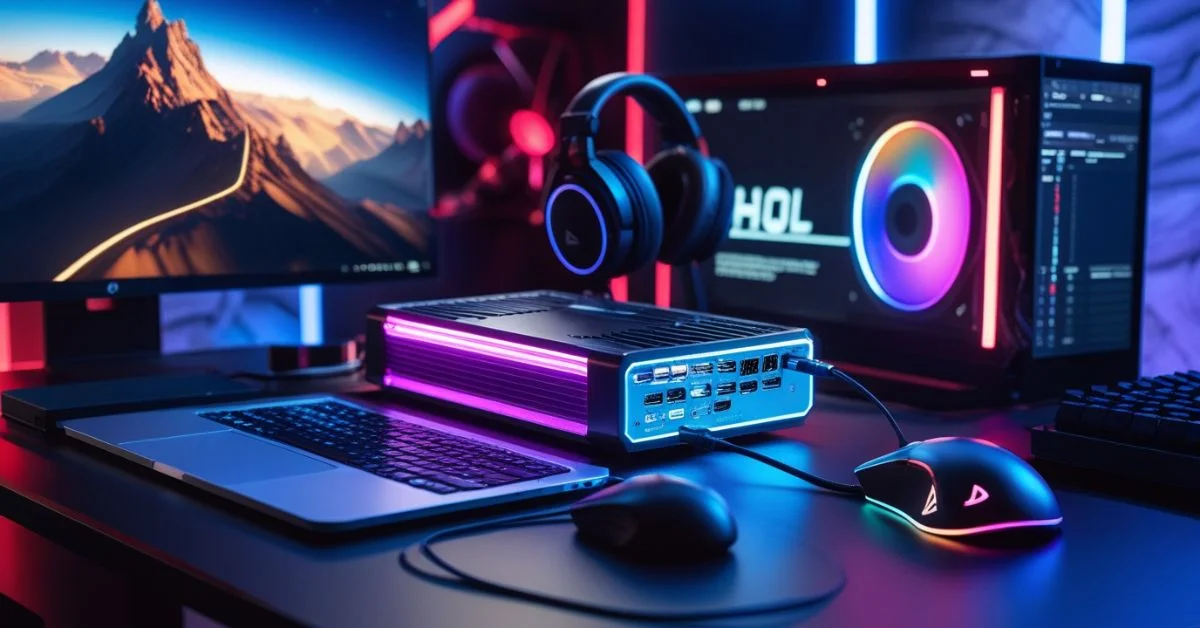
The demand for high performance on laptops has grown fast. Many people now want to enjoy games, edit videos, or run design tools without a desktop. External graphics cards, also called eGPUs, solve this problem. They give laptops extra GPU power without opening the laptop or replacing it. In 2025, the market will offer several excellent eGPUs that improve laptop speed and quality.
What Makes External Graphics Cards Important?
Laptops usually have smaller and less powerful graphics cards compared to desktop computers. This is because laptops are built to be light, portable, and energy-efficient. As a result, many laptops struggle when running heavy tasks like high-end gaming, 3D modeling, video editing, or complex design software. These tasks require strong GPU (graphics processing unit) power, which most built-in laptop graphics can’t handle well. This is where external graphics cards come in. Also known as eGPUs, they connect to your laptop through a high-speed port like Thunderbolt 4.
They are useful for:
- Gamers who want smooth graphics and fast frame rates
- Designers using apps like Blender, AutoCAD, or Photoshop
- Video editors using Adobe Premiere Pro or DaVinci Resolve
- Developers running high GPU loads for simulations or AI models
- eGPUs make your laptop more flexible and powerful.
Top Features to Look for in External Graphics Cards
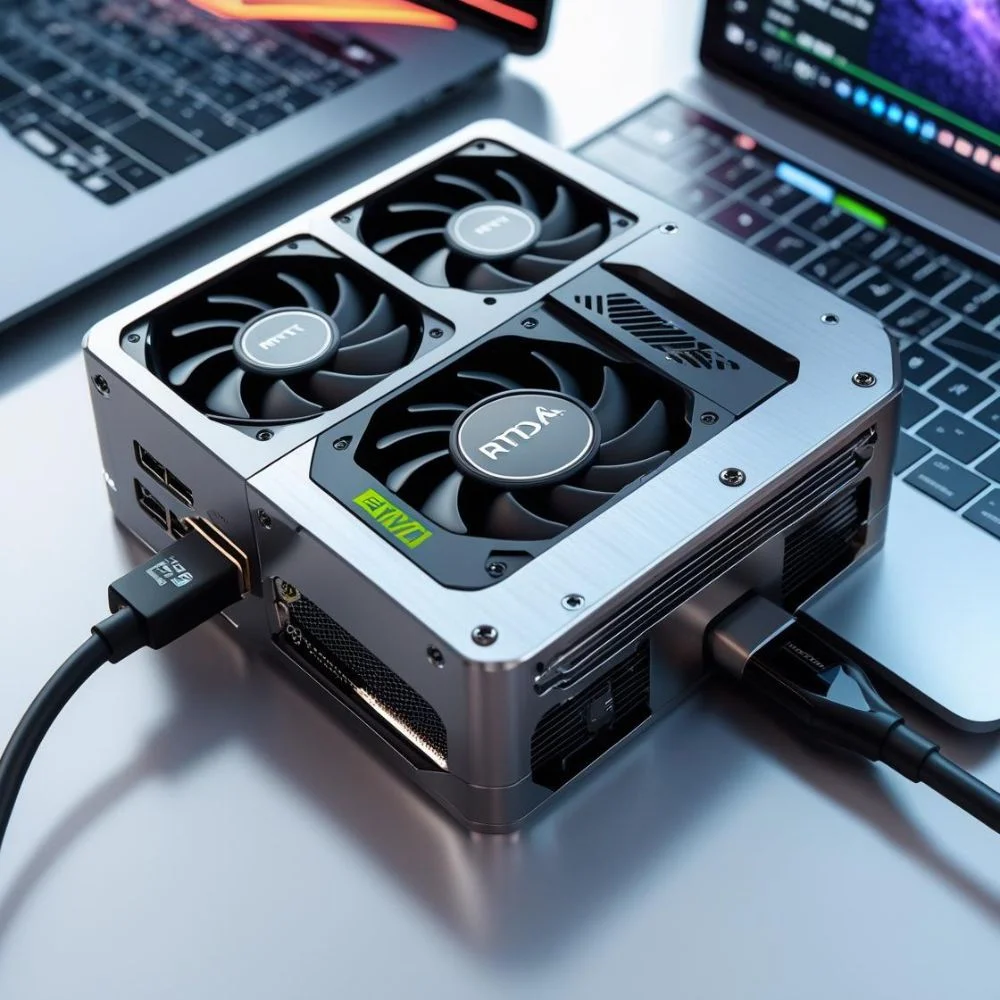
Before you choose the best external graphics card for your laptop, it’s important to look at key features that directly affect how well it works. Things like the type of GPU, the connection speed (such as Thunderbolt 4), cooling system, power supply, and size all play a big role in how fast and smoothly your laptop runs with an eGPU. These details help you avoid slowdowns, overheating, or weak performance. Picking the right combination ensures you get the most out of your setup, whether you’re gaming, editing, or working on creative tasks.
- GPU Model: Choose modern chips like NVIDIA RTX 4090 or AMD RX 7900 XTX
- Connectivity: Thunderbolt 4 or USB4 ensures high-speed transfer
- Power Supply: Look for 500W+ power for high-end cards
- Cooling System: A strong cooling fan or liquid cooling keeps the card from overheating
- Size and Portability: Choose a smaller unit if you travel a lot
Best Overall External Graphics Card for Laptops
1. NVIDIA GeForce RTX 4090 with Razer Core X
The NVIDIA RTX 4090 is one of the most powerful graphics cards in 2025. Paired with the Razer Core X enclosure, it delivers top-level gaming and editing speed.
- Performance: Runs AAA games on ultra settings smoothly
- Ray tracing and AI support: Improves game lighting and design tasks
- Cooling: Razer Core X has solid thermal control
- Price: High-end but worth it for pro users
Best Mid-Range External Graphics Card
1. AMD Radeon RX 7700 XT with Sonnet eGFX Breakaway Box 750ex
If you want strong power without spending too much, the RX 7700 XT is a smart pick. It runs modern games and editing software well.
- Performance: Supports 1440p gaming
- Ports: HDMI 2.1 and DisplayPort 2.0
- Use Case: Balanced for gaming and professional tasks
- Cooling: Large vents and quiet fans keep it cool
This combo is great for regular users who still want fast graphics.
Best Budget External Graphics Card
1. NVIDIA GeForce RTX 4060 with Akitio Node Titan
On a budget? You can still get better visuals using a basic but efficient setup. The RTX 4060 gives decent performance without breaking the bank.
- Performance: Good for casual gamers and students
- Compact Enclosure: Easy to carry
- Compatibility: Works well with many laptops
- Power Use: Lower wattage, less heat
This is a solid choice if you want to start with an eGPU setup.
Best External Graphics Card for MacBooks
1. AMD Radeon RX 6800 XT with Mantiz Saturn Pro II
Mac users need a compatible and strong setup. The RX 6800 XT works well with macOS through Mantiz’s setup.
- macOS Support: Works with Metal-optimized apps
- Design: Sleek and fits Mac design style
- Ports: USB, Ethernet, and storage expansion
- Use Case: Ideal for video and music production
This setup supports creators who use Final Cut Pro, Logic Pro, and other Mac tools.
How to Set Up External Graphics Cards for Laptops?
Connecting your eGPU is simple if you follow a few steps:
- Check Compatibility: Your laptop must have Thunderbolt 3 or 4
- Install Drivers: Download the latest GPU drivers from the manufacturer’s site
- Connect: Plug in the eGPU via the Thunderbolt port
- Restart and Configure: Most systems will detect the eGPU and let you choose which apps use it
Windows and macOS both support external GPUs, but the setup steps may vary slightly.
Performance Boost You Can Expect
An external graphics card can double or even triple your laptop’s performance in many tasks, especially those that rely heavily on graphics power. This includes high-end gaming, video editing, 3D rendering, and AI processing. Built-in laptop GPUs often struggle with these tasks due to limited space, heat management, and power supply. But when you connect an external graphics card, your laptop gains access to a full-sized, high-performance GPU just like a desktop computer. This means faster frame rates in games, quicker video rendering times, smoother playback in editing software, and better handling of large design files.
- Gaming: Higher FPS, smooth resolution up to 4K
- Video Editing: Faster rendering and smoother timeline play
- 3D Design: Real-time modeling with complex textures
- AI Training: Better speed for neural networks and ML tasks
Are External Graphics Cards Worth It in 2025?
Yes, they are. Laptops are still limited by size and heat. eGPUs give them the boost needed to stay fast and future-proof.
Why are they worth it?
- Upgrade Options: You can change the GPU without buying a new laptop
- Saves Money: One eGPU can work with more than one laptop
- Improves Workflow: No lag in games or creative tasks
- Flexibility: Plug and play with different systems
For users who travel or work in tight spaces, eGPUs are the best choice in 2025.
Cost Comparison
| Enclosure | GPU Included? | Interface | Price | Best For |
| Asus ROG XG Mobile | Yes | Thunderbolt 5 | $1,199–$2,199 | Portability + high midrange power |
| BOSGAME / GMKtec | Yes | USB4/Oculink | $619–$789 | Content and gaming on a budget |
| HighPoint RocketStor 8631CW | No (DIY GPU) | PCIe Gen 5 | $1,999 | Full desktop GPU power |
| Minisforum DEG1 Dock | No | Oculink | $99 | DIY enthusiasts & upgraders |
Tips for Buying the Right eGPU
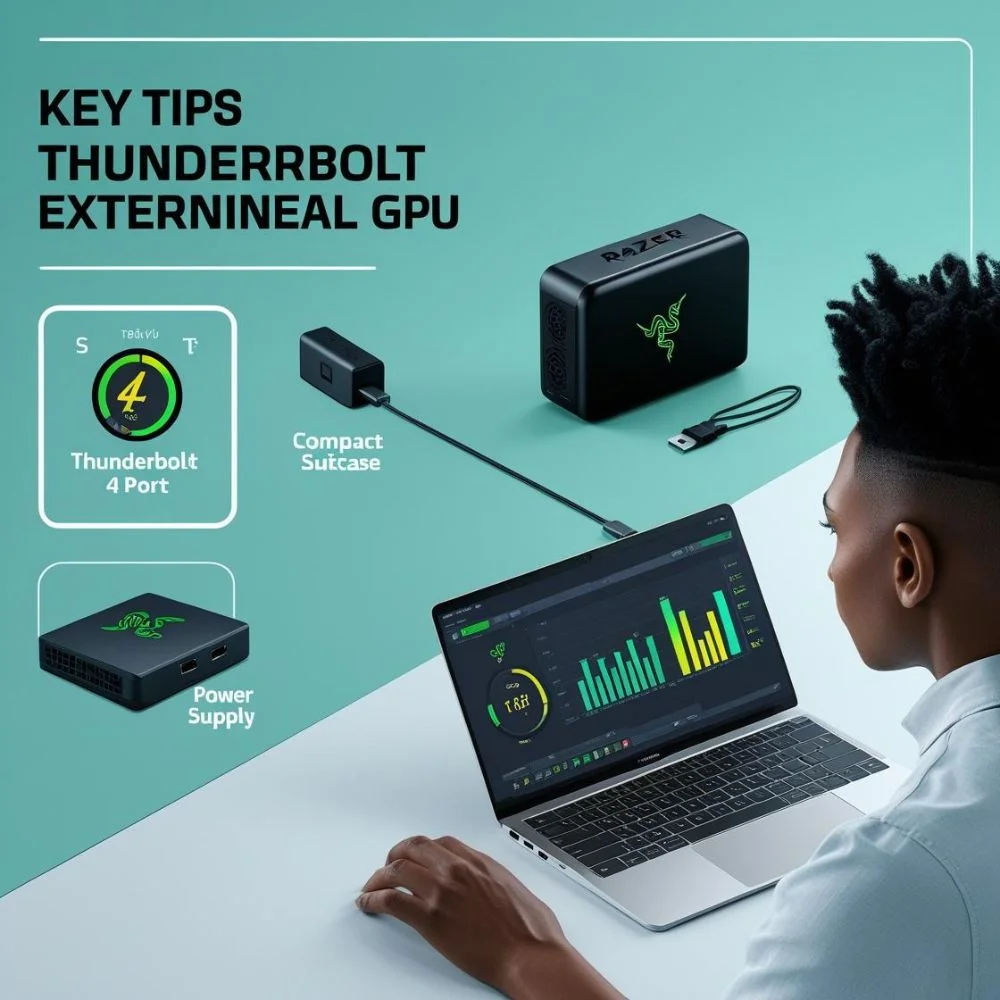
Buying the best external graphics card for your laptop takes some thought. Keep these tips in mind:
- Check Laptop Port: Thunderbolt 4 is best
- Match GPU with Need: Gamers need stronger GPUs, students don’t
- Look at Size: Smaller setups are better for travel
- Don’t forget Power Supply: Make sure it can power the GPU
- Choose Trusted Brands: Razer, Sonnet, Mantiz, and Akitio are safe picks
Always compare performance benchmarks before buying.
Final Thoughts
External graphics cards have become a must-have tool for many laptop users in 2025. They bring powerful desktop-class performance to portable devices. Whether you’re gaming, designing, editing, or working on AI models, an eGPU gives your laptop a major lift.
From budget choices to high-end monsters like the RTX 4090, you can now match your laptop to your tasks. Focus on compatibility, power, and cooling when you choose. With the right setup, you can turn your everyday laptop into a powerhouse.